
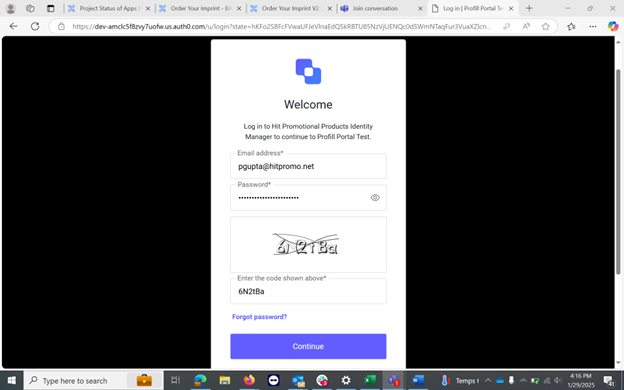
- Once you click on forgot password on your login screen. You will get a prompt to enter your registered email address
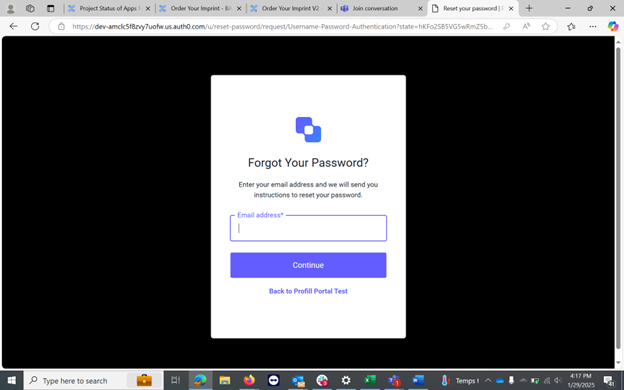
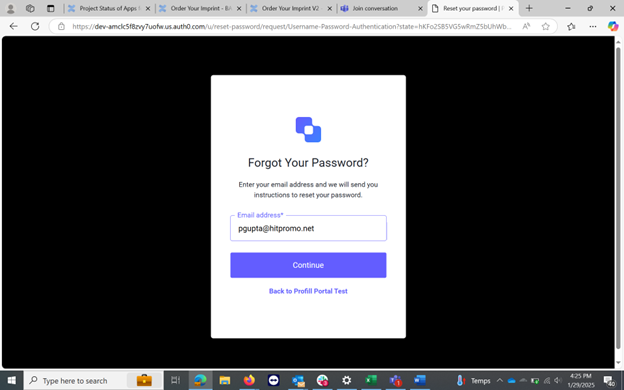
- Click continue after entering your email id
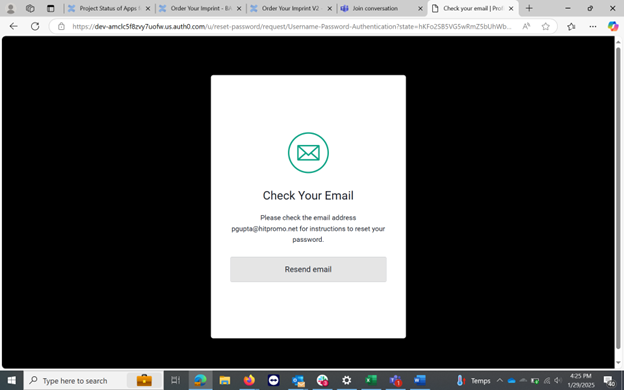
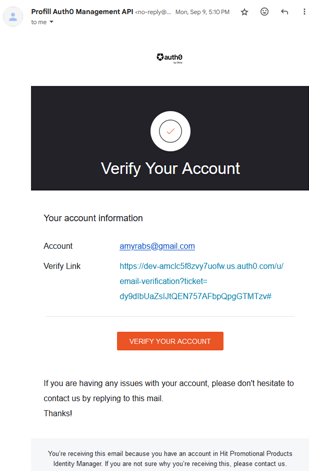
- Go to your email inbox
- Click on the ‘Verify Your Account’ button
-
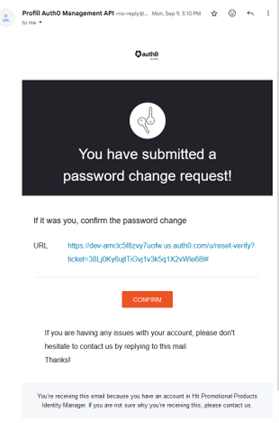
Click on Confirm
- Go back to your login page and login with your new password.