
If your order has one of the following statuses -
- Pull Ticket Printed
- Shipped
- Invoiced
there would a packing slip available to download. You can download it by going to the order details page.
- Click the 'eye' icon under the view order column to open the order detail page
- Scroll down to the 'Packing Slip Info' section on the page. It will be the 5th section from top. It will not be available for all orders but only for orders where it is available.
- Under the 'Packing Slip Info' header there will a link named 'Download Packing Slip for PO number xxxxx'
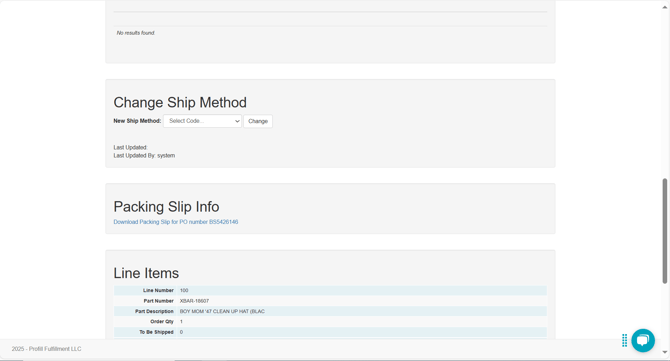
- Clicking on that link will download the packing slip pdf.