
Follow the below steps to view your order summary -
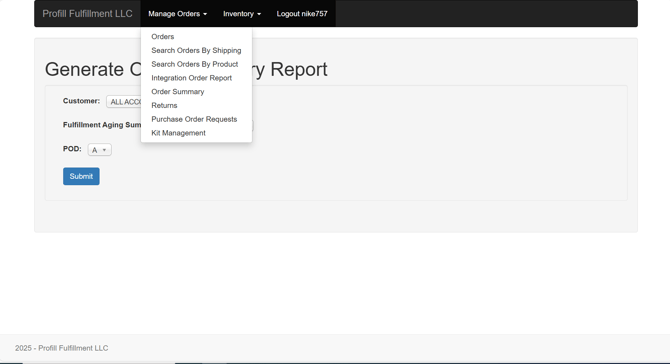
- Click on 'Order Summary' under Manage Orders dropdown
- Select Account
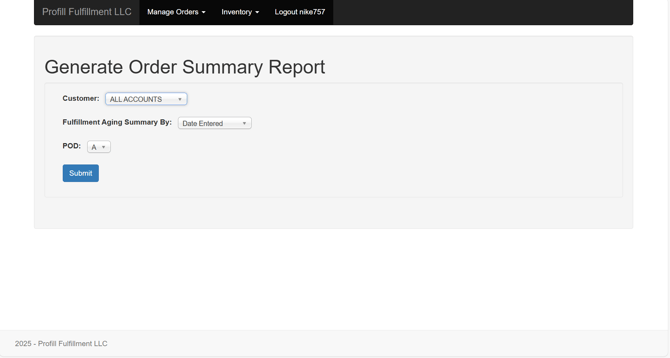
- Select Aging option
- Date Entered
- Date Printed
- POD Option
- Yes
- No
- Click 'Submit'
Follow the below steps to view your order summary -